I’ve decided to make up some notes for myself on the new version of Nik Silver Efex Pro. I’m posting them here so that I can access them anywhere – and so, obviously, can you. Feel free to send corrections, opinions, et al.
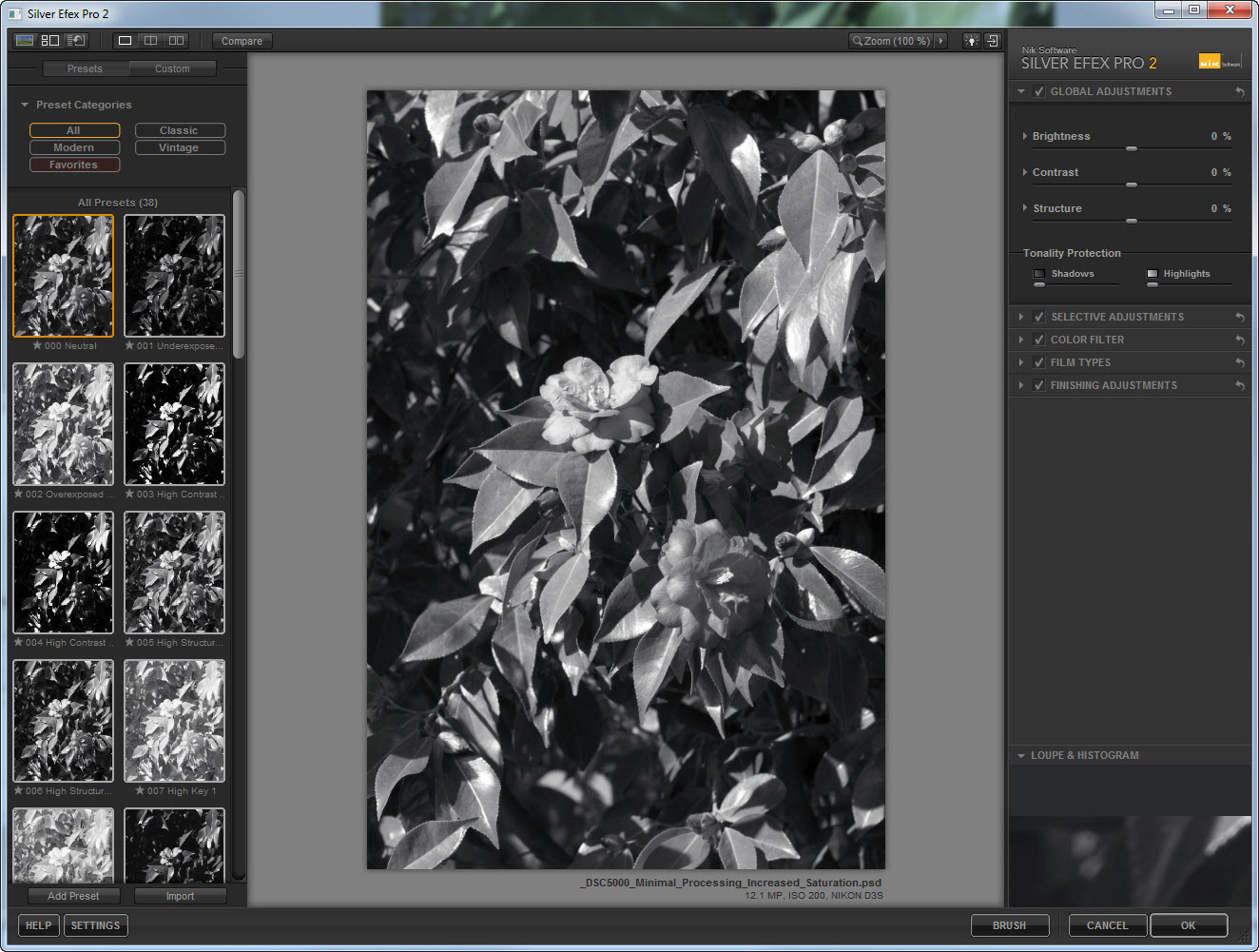
The reference image for these notes will be the shot of a Camellia bush shown above. The image was recorded at Cathedral Park in Portland, OR, at about noon on February 20, 2011, using the Nikon D3s and the most excellent AF-S 70-200mm f/2.8G ED VR lens at 165mm. Exposure was f/11 and 1/40s, ISO at 200.
Processing on the color version of the Camellia included white balance adjustment based on the WhiBal reference card (see the February 25 entry for a shot of the HP holding same), highlight recover in the RAW conversion (+13), and curves adjustments of the red and green channels followed by conversion of that layer to Luminosity blending mode. Capture sharpening, midtone contrast enhancement, and output sharpening (for web) were applied using PhotoKit Sharpener 2.0 (the new version of PhotoKit Sharpener is really very good). The upper of the two large flowers near the center is pretty high key, and although I could have normalized the brightness, I deliberately left it bright since that the way I saw it.
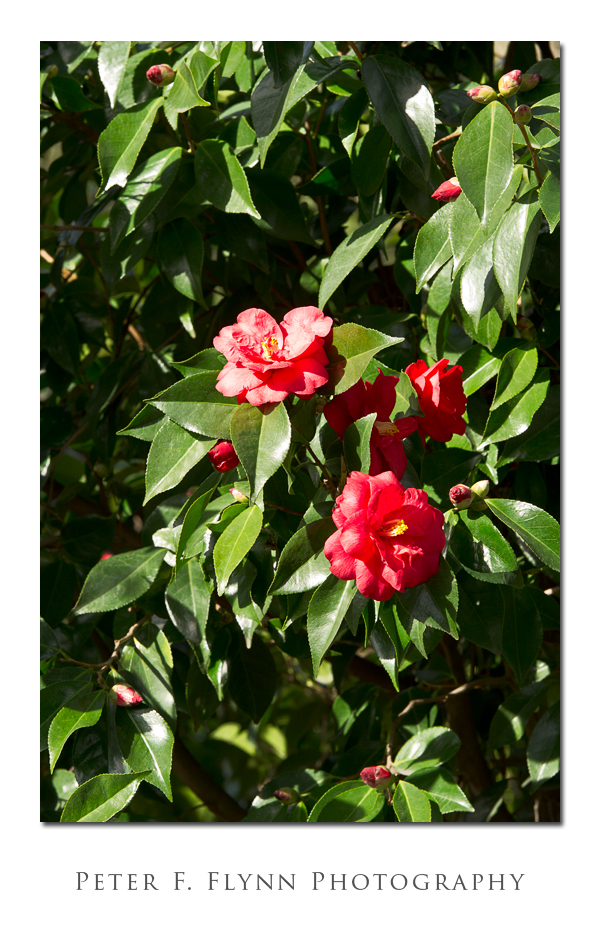
The version of the image that we will use for a workup in Silver Efex Pro 2, see below, is a minimalist version of the image above, which leaves out the curves adjustment and the midtone contrast enhancement, but adds a Hue/Saturation adjustment to boost the color saturation (+25 on the Master control) prior to BW conversion.
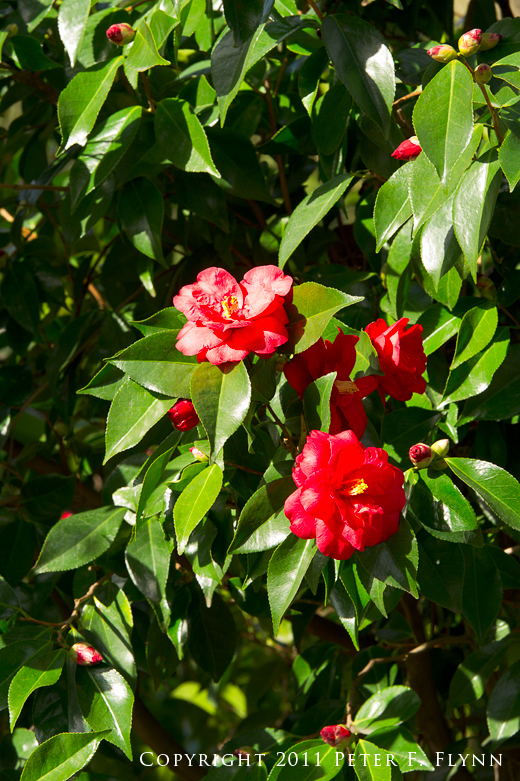
I start Silver Efex Pro 2 using the Nik Selective Tool, and by default the image is rendered using the Neutral Preset as shown below – click on the image to see a larger size version (opens in new window/tab).
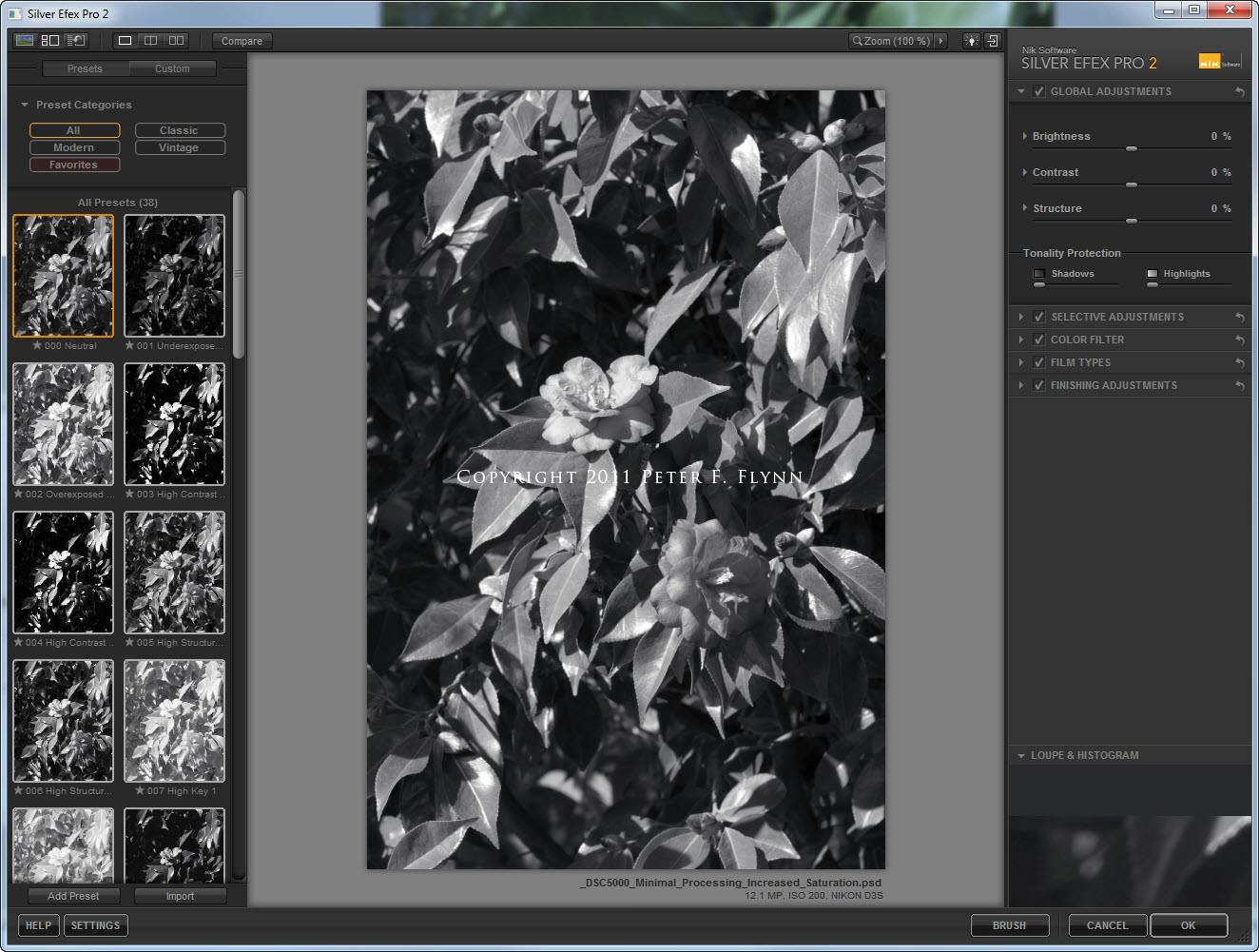
Click on the image to see a larger size version
The default conversion (Neutral) actually looks pretty promising right from the start as shown below.

Typically, the first adjustments made to a converted image should involve tonal adjustments, e.g., brightness and contrast. The Tone Control set from the original Silver Efex Pro, hereafter SEP, included Brightness, Contrast, and Structure controls, and semi-hidden in the Film Type section, a Tone Curve adjustment tool. The Brightness and Contrast controls function in ways that will be familiar to anyone who has conducted even basic photo processing. The Structure control was never been well-documented by the official Nik SEP software manual, which only suggests that the control emphasizes or deemphasizes ‘fine details throughout the image’. According to the Lesson Site for SEP2, Structure control applies some sort of microcontrast enhancement that is restricted to areas within tonal regions, and that specifically avoids contrast adjustments at tonal interfaces (edges.) This remains unnecessarily cryptic in my book. The effect is similar in some respects to the sort of enhancement one gets by applying a Photoshop Unsharp Mask contrast enhancement with values like 20, 50, and 0, respectively, for Amount, Radius, and Threshold. Regardless, the ability to control contrast in this way in real-time is very powerful.
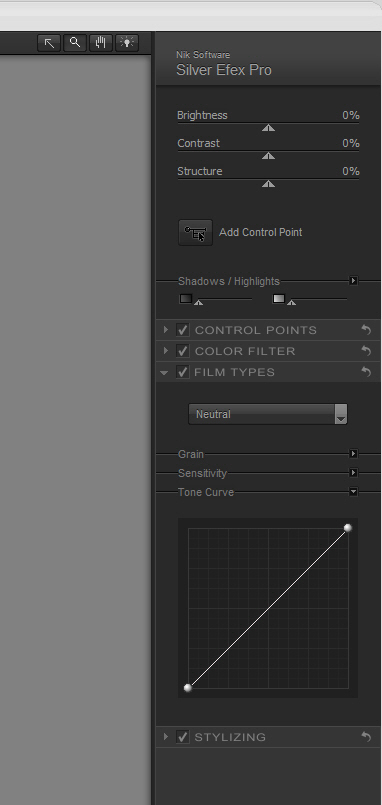
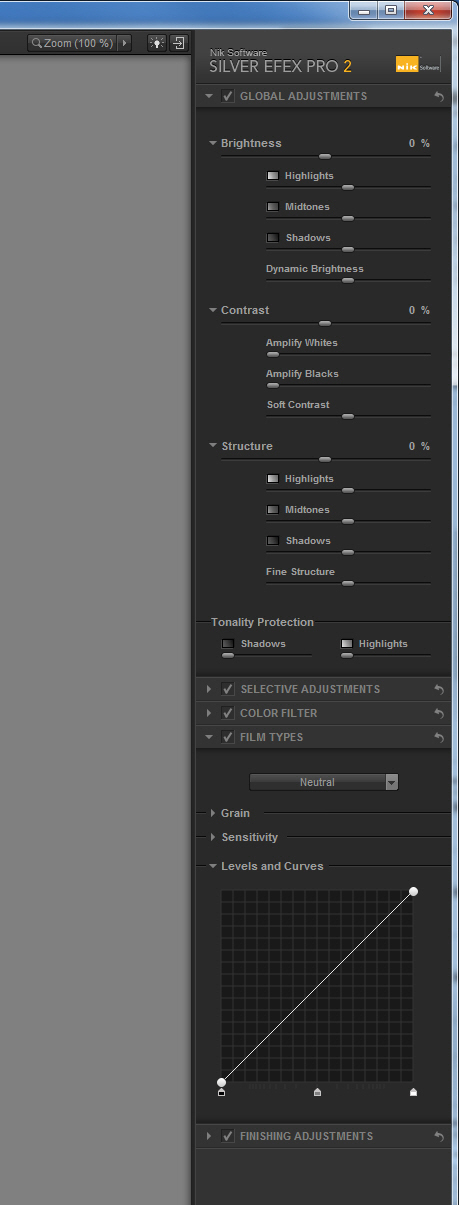
In Silver Efex Pro 2, hereafter, SEP2, the Brightness, Contrast, and Structure controls have been expanded to included parametric controls, which significantly expands the ability to fine tune the influence of the tone controls. In the new feature set then, one can isolate adjustments, for example, to only the Highlights, leaving the midtone and shadows regions unaffected.
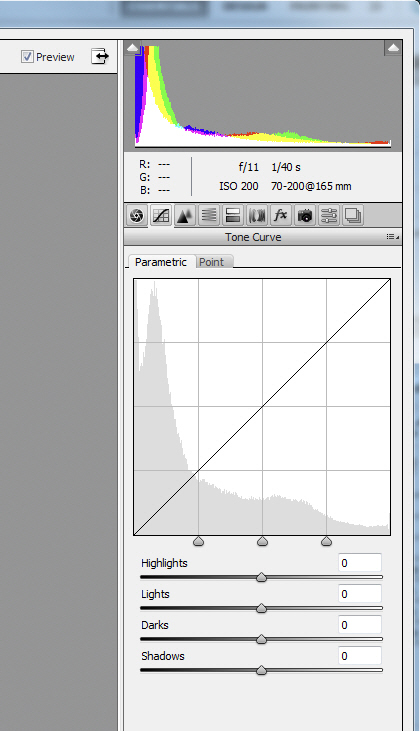
The parametric controls will be familiar to anyone who has used the ACR Tone Curve tool shown below.
In the next entry, I’ll review the Brightness tone controls in detail.
Copyright 2011 Peter F. Flynn. No usage permitted without prior written consent. All rights reserved.